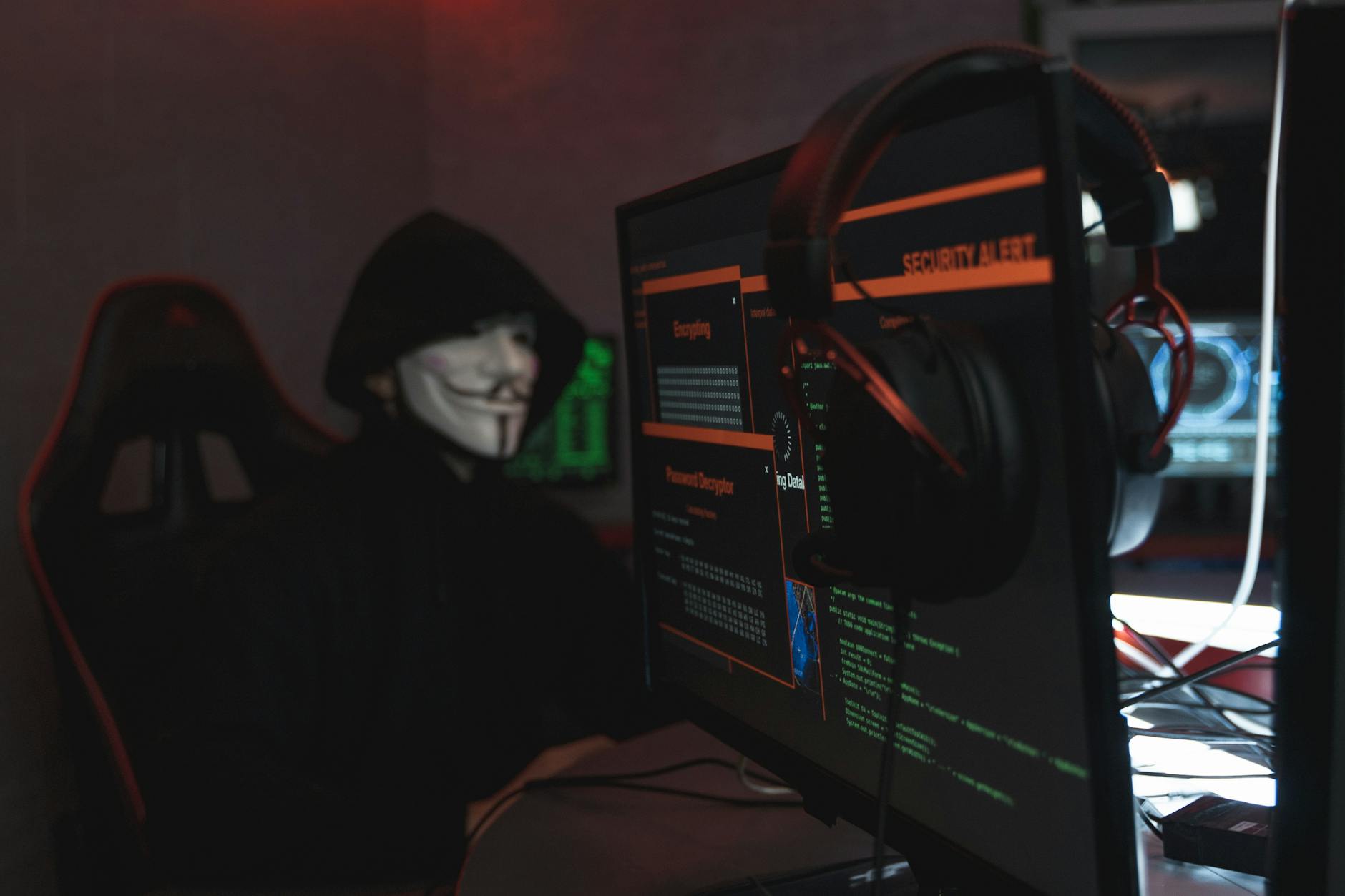
Photo by Tima Miroshnichenko on <a href="https://www.pexels.com/photo/person-in-black-hoodie-hacking-a-computer-system-5380651/" rel="nofollow">Pexels.com</a>

What You Need to Know About This New Cyber Threat
Cybercriminals are now using SVG image files to trick people into downloading malware or stealing their personal information. If you use the internet, you need to be aware of this danger.
What Are SVG Files? (Simple Explanation)
SVG (Scalable Vector Graphics) files are special types of images that:
✅ Stay sharp no matter how much you zoom in (unlike regular photos, which get blurry).
✅ Are often used for logos, icons, and website graphics.
✅ Can contain hidden code, including malicious JavaScript.
How Are Hackers Using SVG Files for Attacks?
Cybercriminals are hiding harmful scripts inside SVG files and sending them through:
📧 Phishing emails (disguised as invoices, receipts, or official logos).
🌐 Fake download links on websites or social media.
When an unsuspecting victim opens the file, the hidden code can:
⚠️ Install viruses or ransomware.
⚠️ Steal passwords and login details.
⚠️ Redirect users to fake scam websites.
How to Spot a Dangerous SVG File
🔍 Right-click the file and open it in a text editor (like Notepad). If you see <script> tags, DO NOT OPEN IT!
🚫 Be suspicious if a stranger sends you an SVG file unexpectedly.
🚫 Avoid downloading SVGs from untrusted websites.
How to Protect Yourself
✔ Never open SVG files from unknown senders.
✔ Use antivirus software that scans SVG files.
✔ Keep your web browser and apps updated.
✔ Educate friends and family about this scam.
Final Warning
Hackers are always finding new tricks—this time, they’re using innocent-looking image files. Stay alert, and always think twice before opening any unexpected file!
Stay safe online!
About the Author